1. Click to Download.
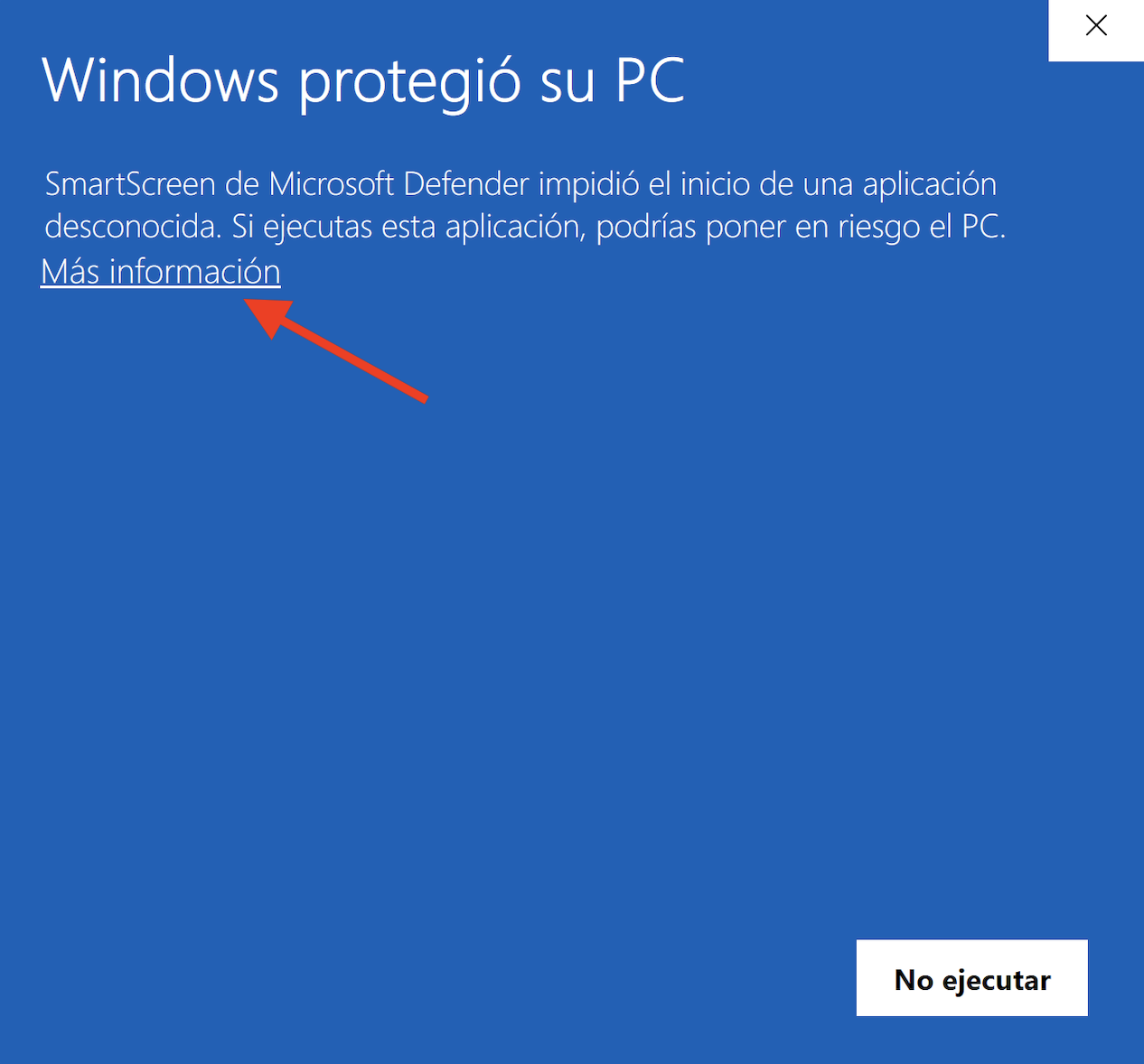
2. Open the installer file, then click on ‘More information’.
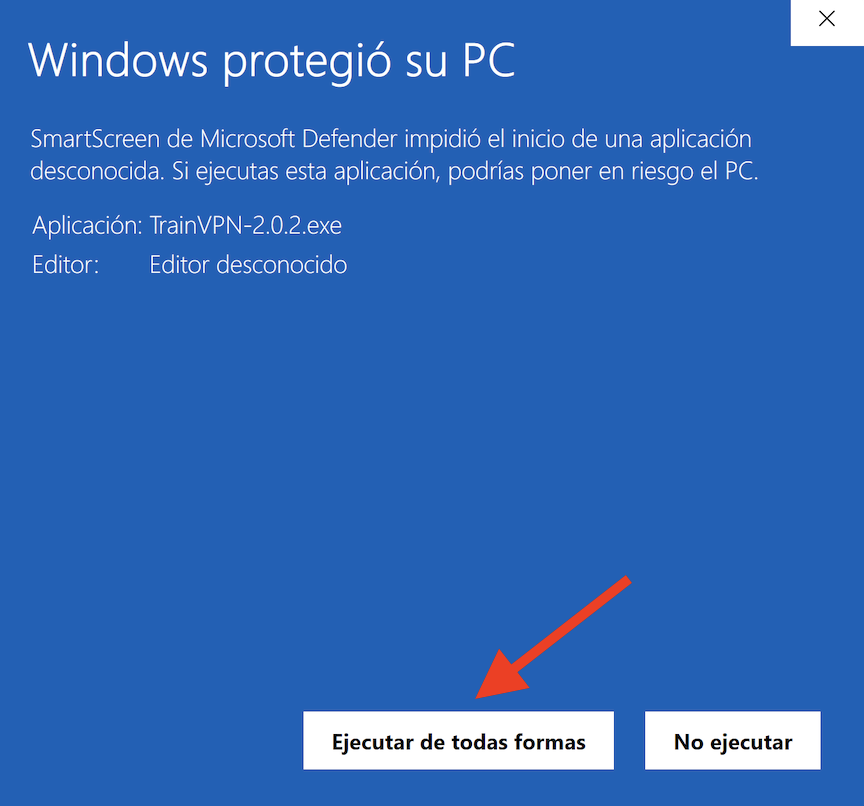
3. Click on Run Anyway.
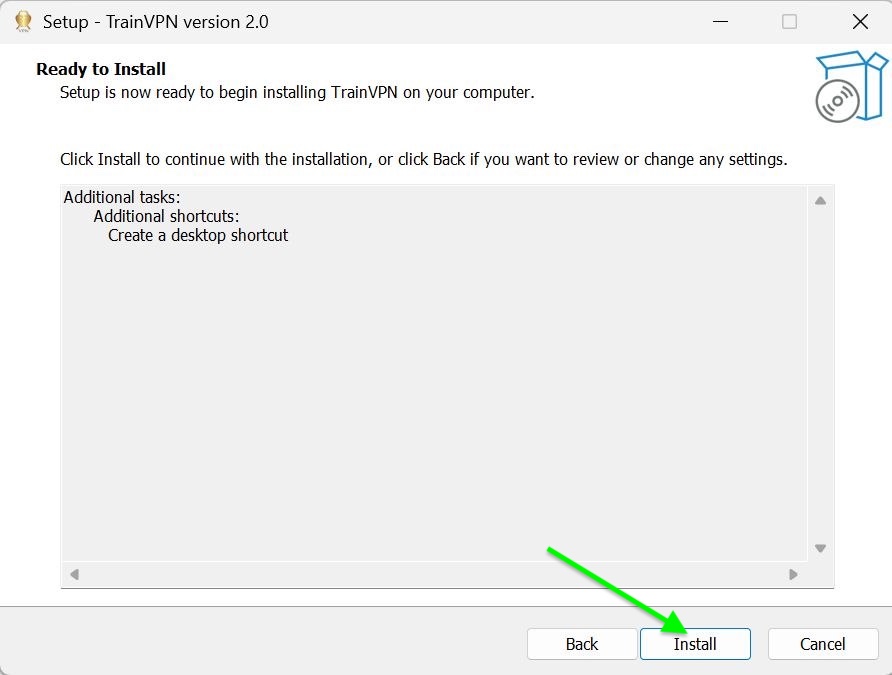
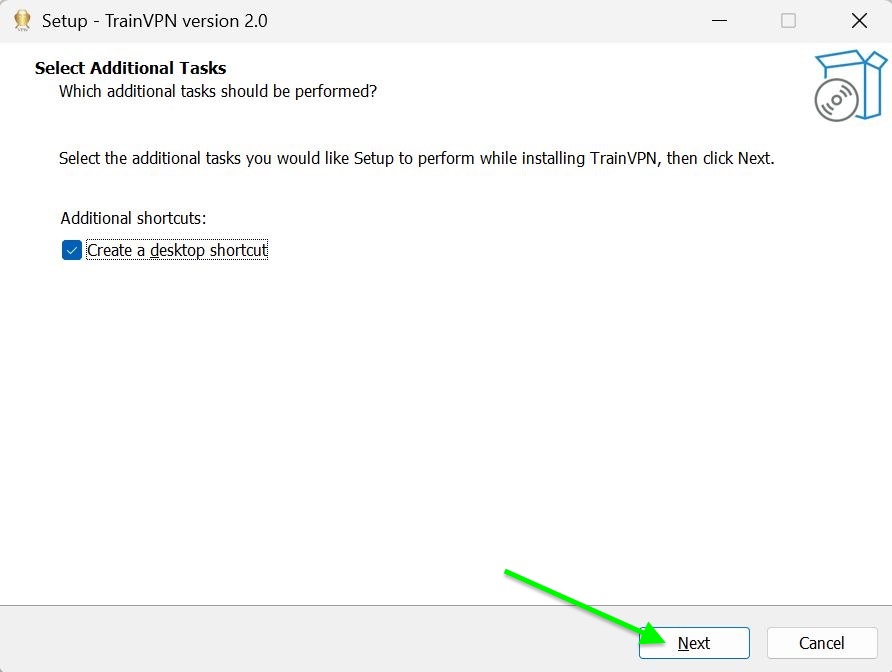
4. Click on ‘Install’, then select ‘Create a desktop shortcut’ and click ‘Next’.
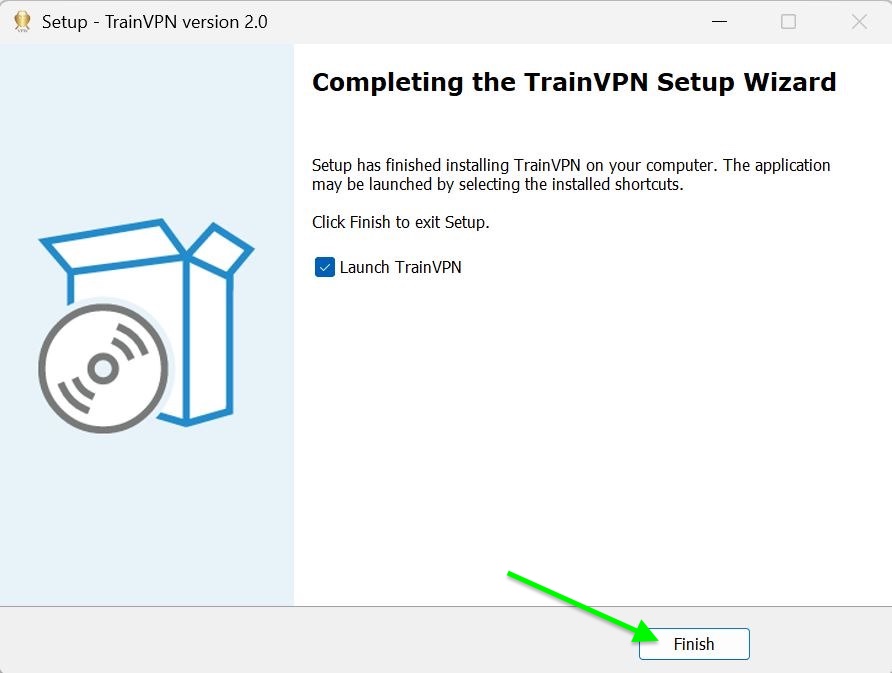
5. Once the installation is complete, select ‘Launch TrainVPN’ and then click ‘Finish’.
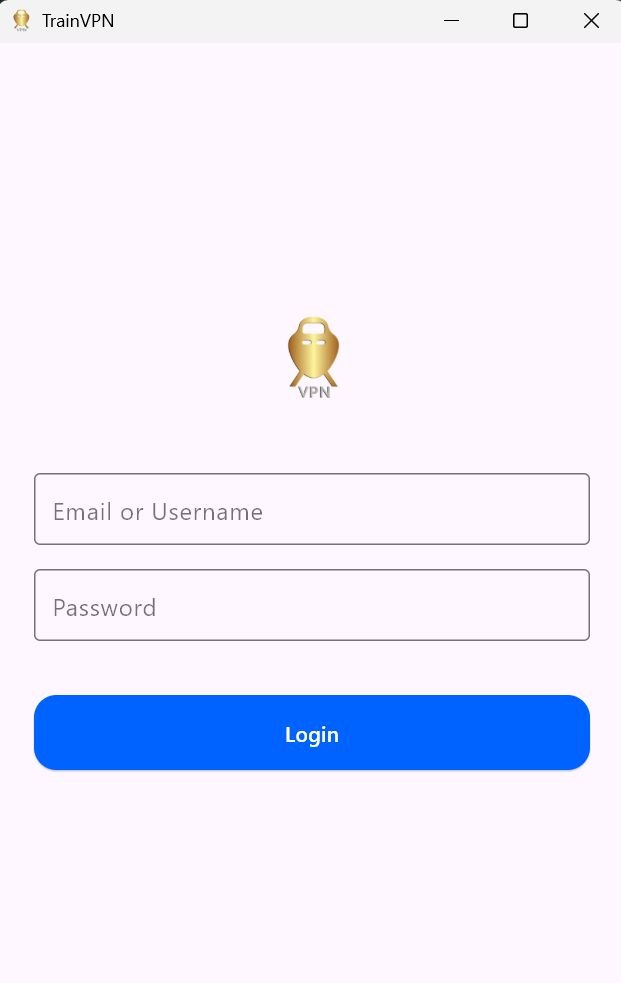
6. Login with your email and Password.
7. Click ‘Recommended’ or ‘All Locations’ to view the full list of locations.
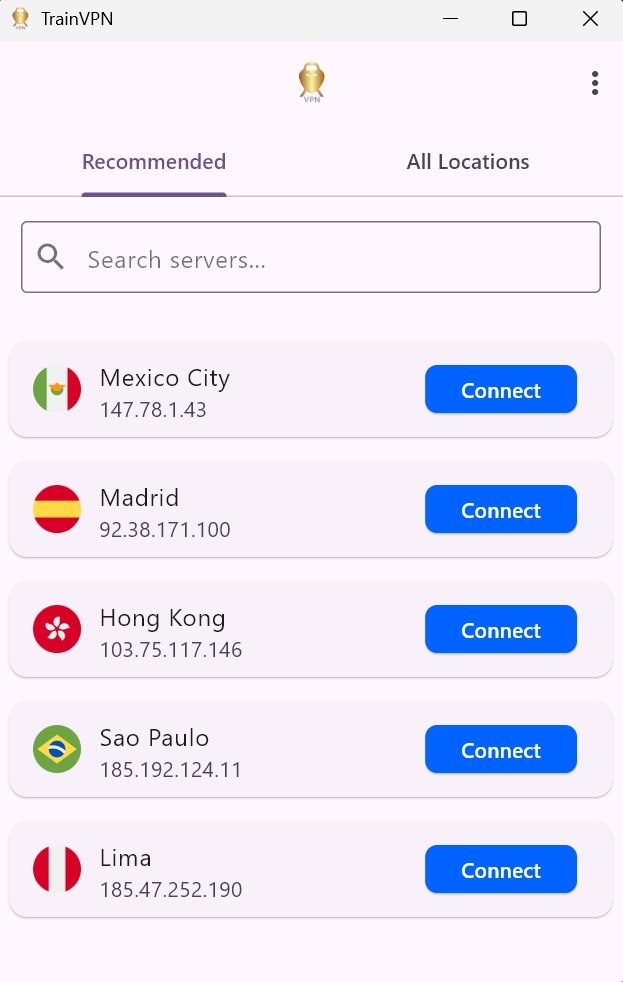
8. Connect to your desired location and enjoy!