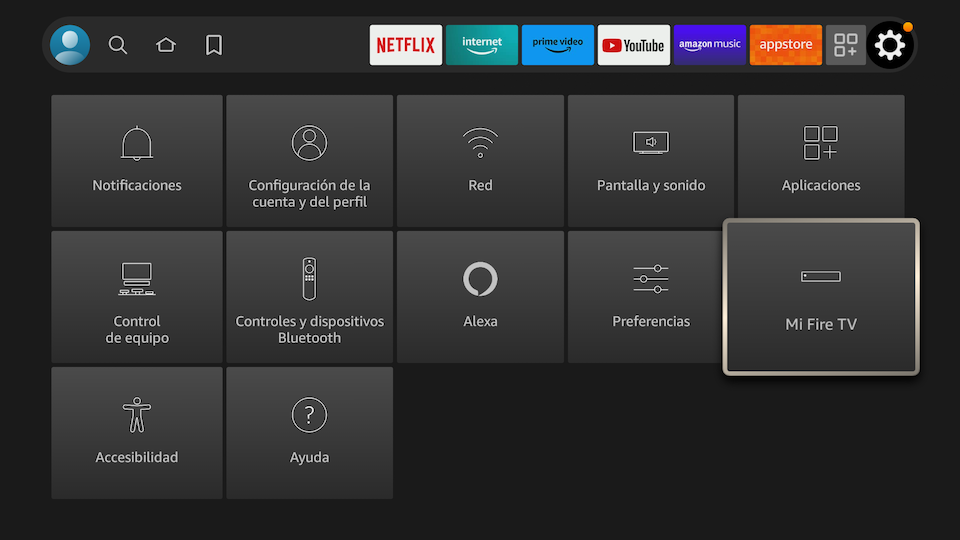
1. Go to Settings/My Fire Tv
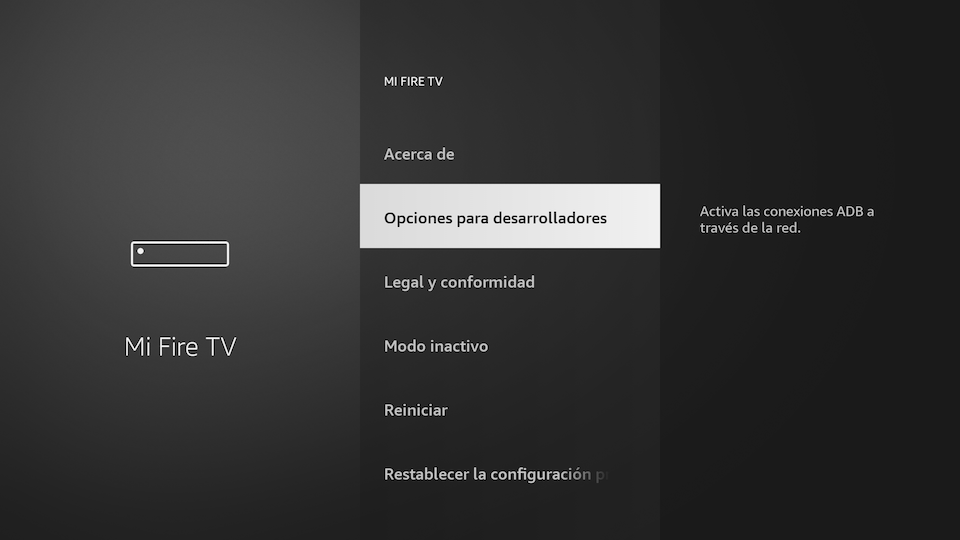
2. Click on Developer options.
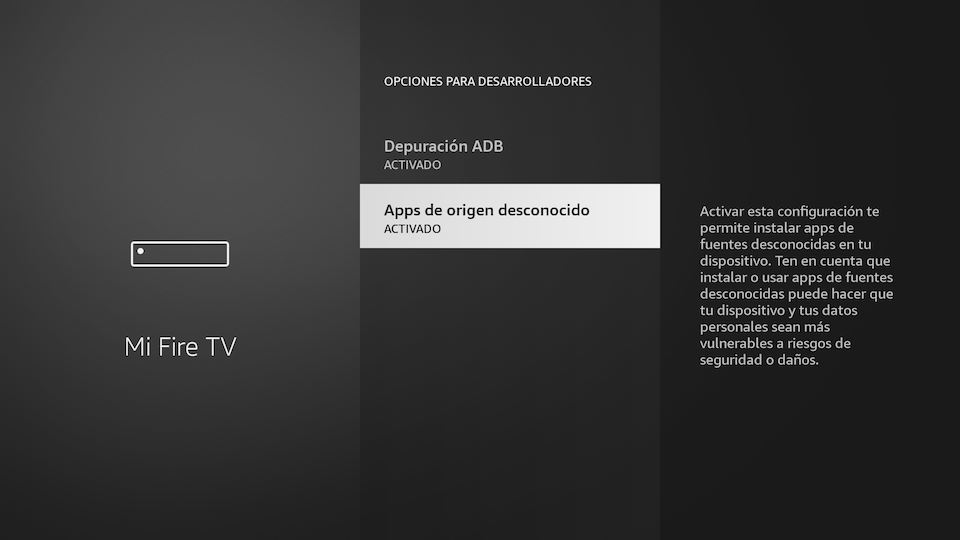
3. Enable ADB Debug and Apps from Unknown Sources
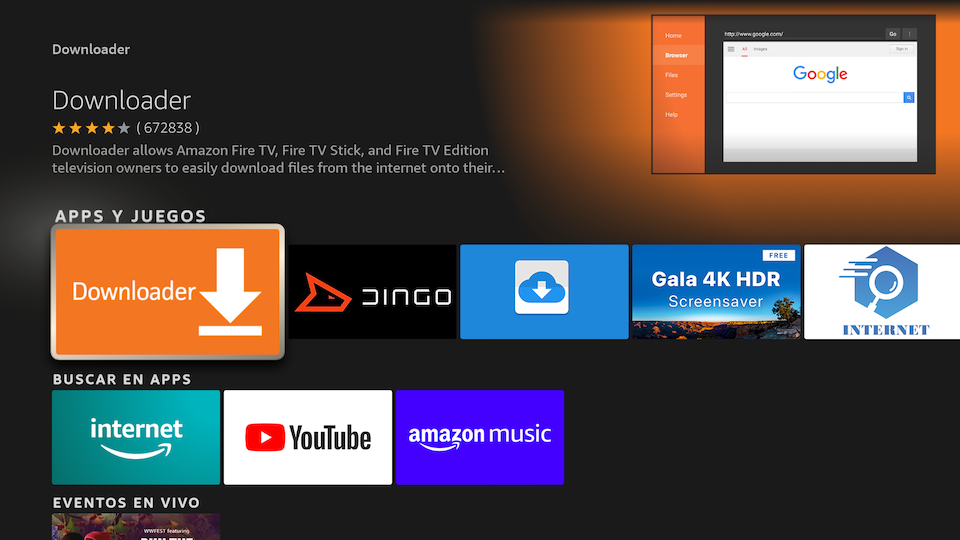
4. Search "Downloader" App and then install it.
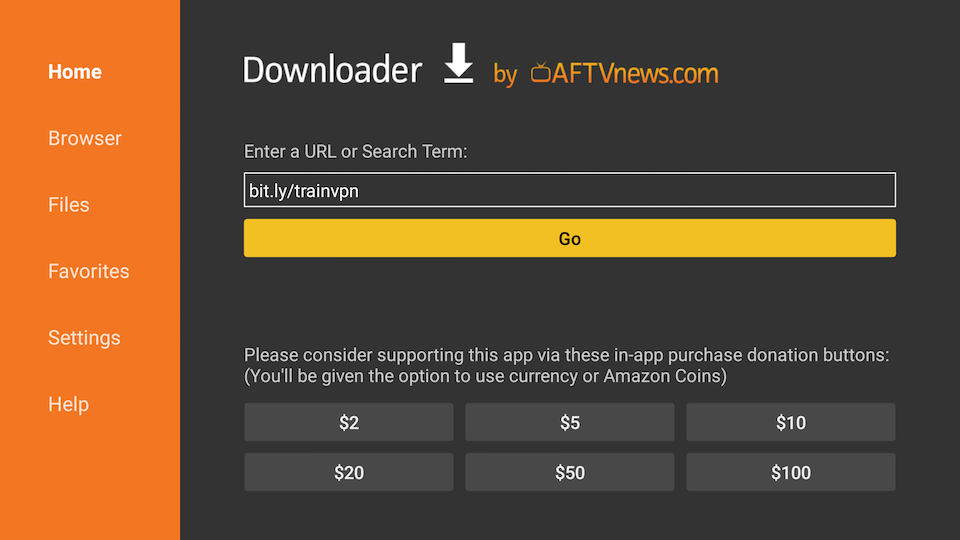
5. Open Downloader and add this url: bit.ly/trainvpn
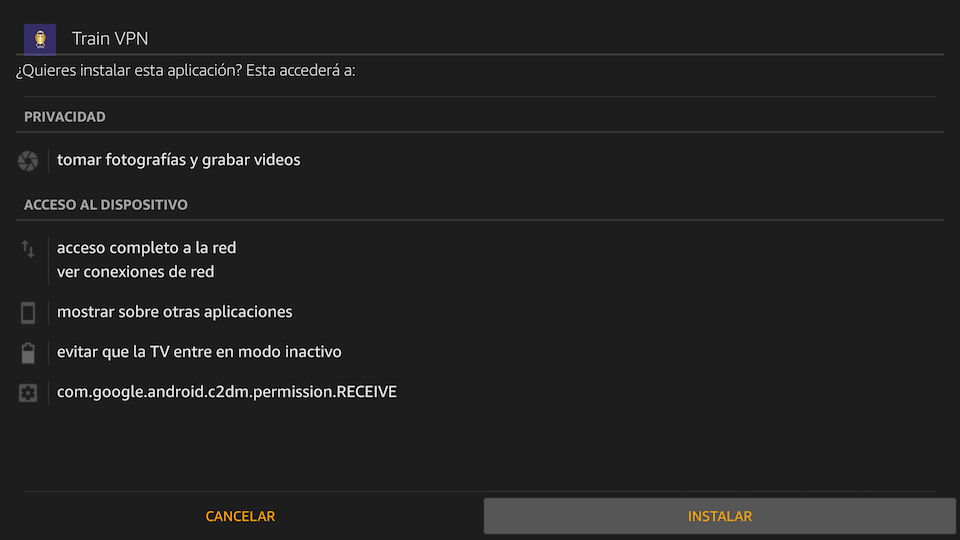
6. Click on Install.
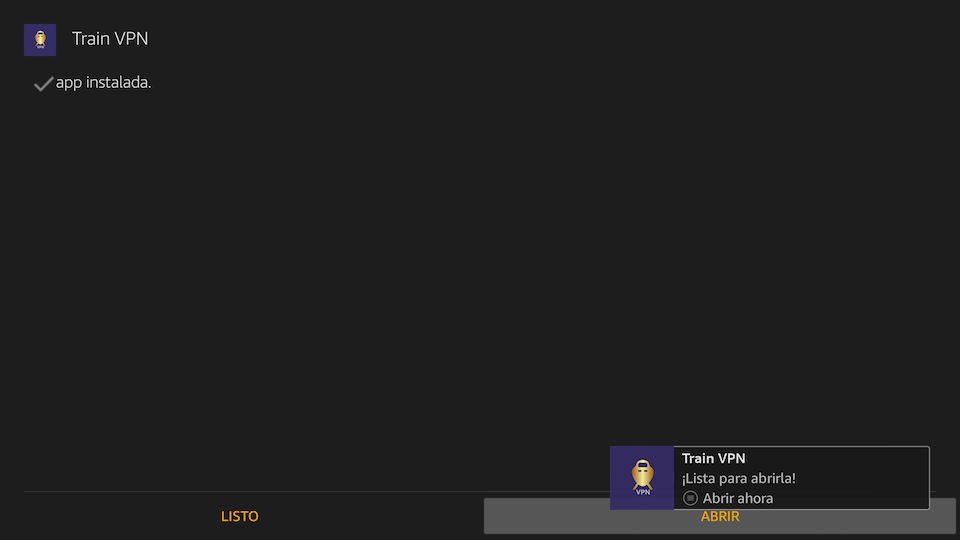
7. Click on Open.
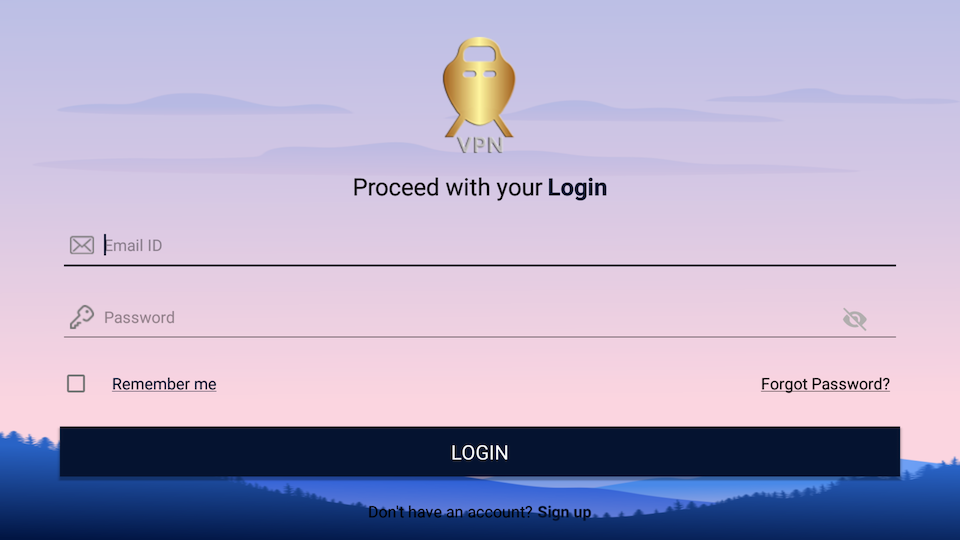
8. Login with your email and password.