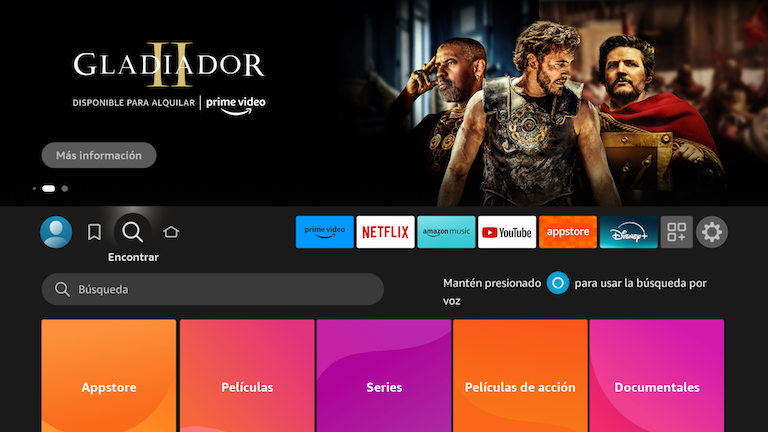
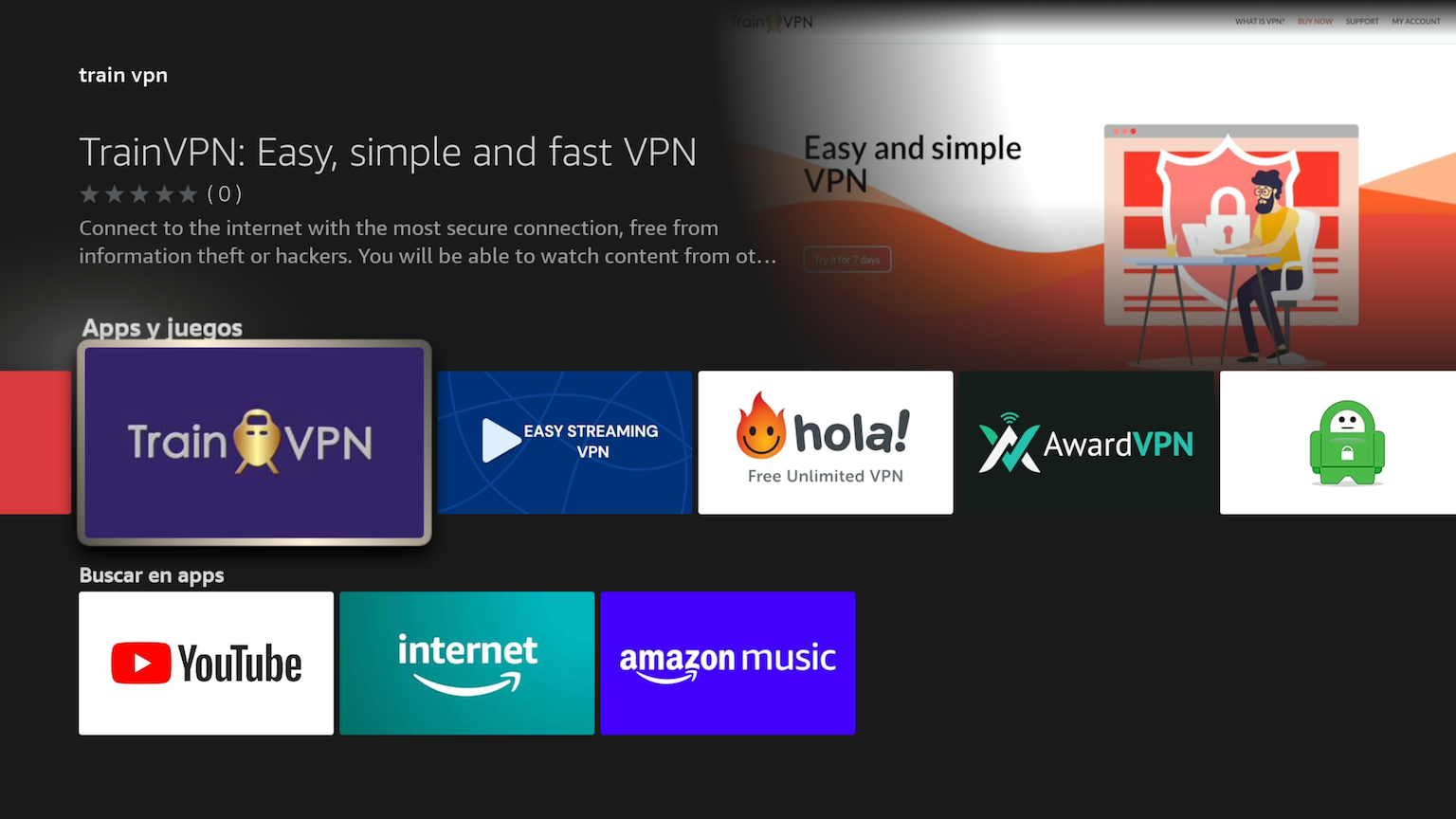
1. Go to search: Train VPN.
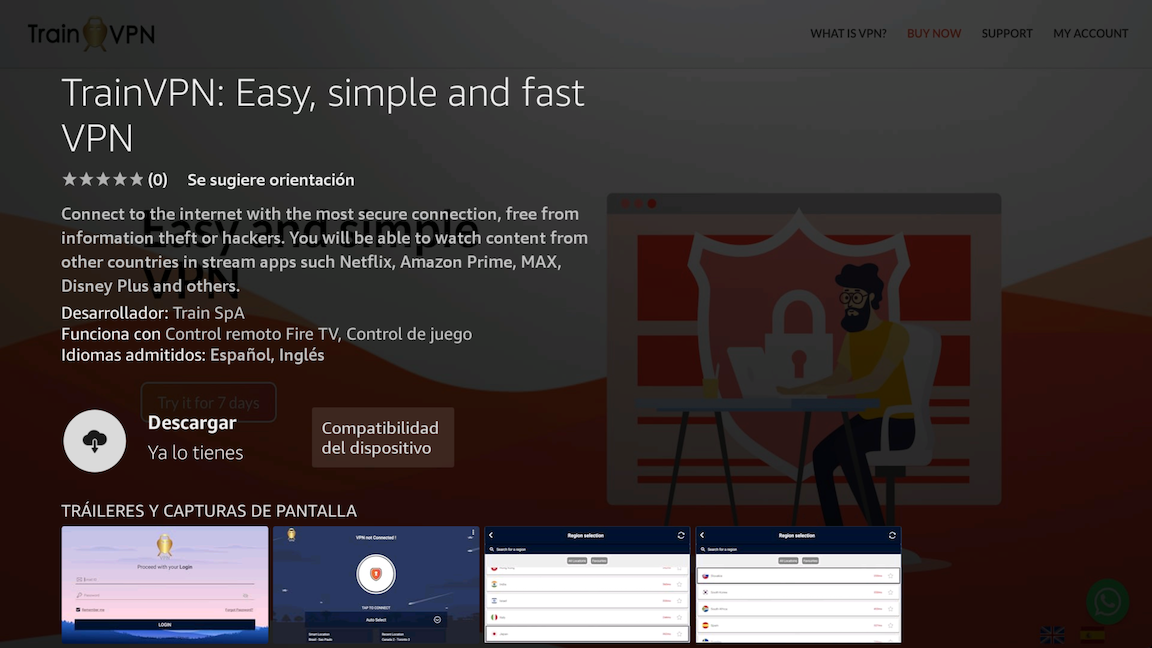
2. Click on Download and then on Open app.
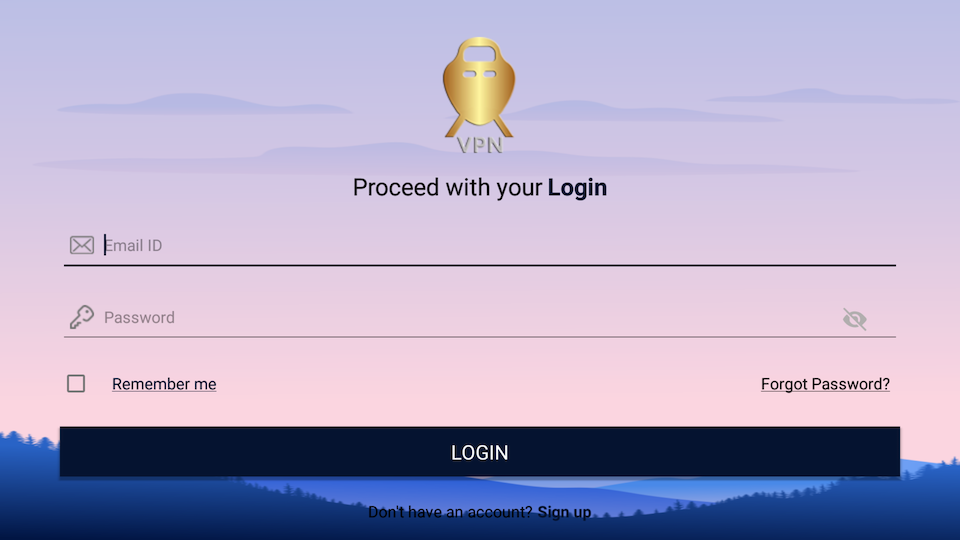
3. Login with your email and password.
1. Go to Settings/My Fire Tv 2. Click on Developer options. 3. Enable ADB Debug and...
Copyright © 2026 Train VPN. All Rights Reserved.